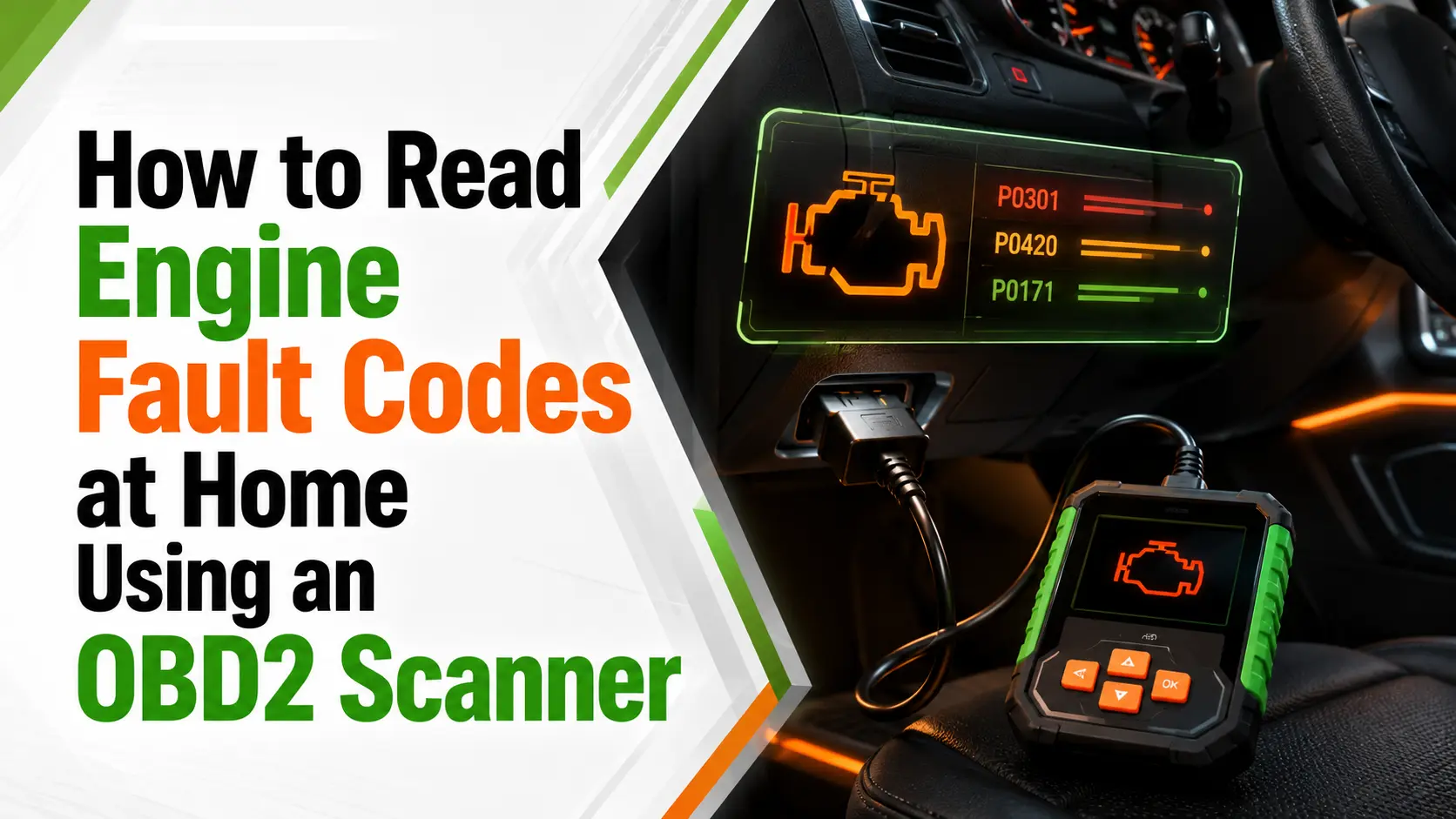
Seeing the check engine light appear on your dashboard can be worrying, especially when you do not know whether the problem is minor or likely to result in an expensive repair. Fortunately, learning how to read engine diagnostic fault codes at home can help you understand what your car is trying to tell you before visiting a garage.
Using a basic OBD2 scanner or car code reader, you can connect to your vehicle’s onboard diagnostic system and retrieve the Diagnostic Trouble Codes, commonly known as DTCs, stored by the car’s computer. These car fault codes can provide useful clues about problems involving the engine, transmission, emissions system, sensors or other electronic components.
However, reading an engine fault code does not always tell you exactly which part needs replacing. It identifies the affected system and gives you a practical starting point for further checks. In this beginner-friendly guide, you will learn how to locate the OBD2 port, connect an engine diagnostic tool, read and understand common fault codes, avoid costly mistakes and recognise when professional assistance is necessary.
Table of Contents
What Are Diagnostic Fault Codes?
Every car built since 2001 uses a system called OBD2 – On‑Board Diagnostics version 2. It’s a standard set of rules that all manufacturers follow, so the same codes mean the same thing on a Ford, a Vauxhall or a Toyota.
Your car’s computer keeps a constant watch over every part that affects emissions, performance and safety. If something reads outside its normal range, it stores a five‑digit code in its memory and switches on the warning light. That code doesn’t tell you exactly which part to replace – it tells you which system has a problem, and where to start looking.
Codes are split into four main groups:
- P codes: Powertrain – engine, transmission and fuel systems
- B codes: Body – lights, windows, airbags, climate control
- C codes: Chassis – steering, brakes, suspension
- U codes: Network – communication between different control units
What You Need to Get Started
You don’t need an expensive workshop scanner. A basic OBD2 reader is all you need, and you can pick one up for £20 to £60 online or at most motor factors.
There are two main types: simple handheld screens that plug in and show codes directly, and Bluetooth models that connect to your phone or tablet via an app. Both work perfectly well. Handheld units are easier if you don’t want to mess with apps; phone‑connected ones usually give more detail and save your history.
You don’t need any other tools. The port you use is standard on every car – you won’t be cutting wires or taking anything apart.
Free vs Paid Scanner Apps: Which Should You Use?
Free basic apps are fine for pulling standard codes and quick definitions, ideal for one-off checks. But they usually skip live sensor data, manufacturer-specific details, repair guidance, and code history. Paid apps (£5–£20 one-off) unlock real-time performance readings, deeper fault context, and verified troubleshooting tips – a tiny investment that pays off if you own your car long-term or want to avoid guesswork.
Locating the OBD2 Port
The port is always within three feet of the driver’s seat, usually hidden under the dashboard near the steering wheel. It looks like a trapezoid with 16 small holes in it. Sometimes it has a plastic cover you just pull off.
If you can’t see it straight away, feel around under the dash, or check your owner’s manual – it will show you exactly where it sits on your model. On a few cars it’s tucked behind the ashtray or inside the fuse box cover, but it’s always easy to reach.
Step‑by‑Step: How to Read Your Codes
Follow this simple order, and you won’t go wrong:
- Turn the ignition to the ON position-usually two clicks-without starting the engine.
- Push the OBD2 reader plug firmly into the diagnostic port. It should fit in only one direction.
- Wait a few seconds for the device to power up and connect to your vehicle’s onboard computer.
- Select “Read Codes” or “Scan for Codes” from the scanner menu.
- Write down every fault code displayed, along with any descriptions, notes or freeze-frame data provided.
- Check the “Pending Codes” section as well. These are potential problems that have been detected but have not occurred frequently enough to activate the warning light.
- Once you have recorded the results, turn the ignition off before unplugging the scanner.
Reading fault codes is an excellent first step, but understanding how vehicle systems work can help you diagnose problems more accurately and avoid replacing the wrong parts. To develop practical knowledge of vehicle maintenance, fault diagnosis and essential repair procedures, explore the
Certified Level 2 Car Mechanic Course.
Certified Level 2 Car Mechanic Course
What the Scanner Shows You: Active vs Pending Codes
Most readers will list two types of result: active codes trigger the warning light right now and confirm a confirmed fault; pending codes are one-off issues the computer has spotted but hasn’t repeated enough to turn the light on yet. Don’t ignore pending codes – catching them early can stop bigger problems later. You may also see “historic codes” from old faults that have already been fixed.
Saving & Recording Your Results Correctly
Always write down or screenshot every code exactly as it appears, including any extra notes or freeze-frame data the scanner shows. This extra detail – like engine temperature or speed when the fault happened – is often the key to spotting what went wrong. Keep your list safe: you’ll need it when looking up definitions or talking to a mechanic later.
Understanding What the Codes Mean
A typical code looks like P0171. Here’s how to break it down:
- The first letter tells you which system it affects – here P for powertrain.
- The second number: 0 means it’s a standard code common to all cars; 1 means it’s specific to your make or model.
- The next three numbers narrow it down further – in this example, 0171 means the engine is running too lean on one bank.
Never guess straight away. Use a trusted source to look up the full definition – your reader’s manual, a reputable car website, or a dedicated OBD2 code list. Remember: the code points you to the problem area, it doesn’t name the broken part. A code saying “oxygen sensor circuit” could mean the sensor is faulty, or the wiring to it is damaged, or the connector is loose.
Clearing Codes vs Fixing the Problem
Most readers let you erase codes and switch the warning light off. But there’s a right time and a wrong time to do this.
Only clear a code after you’ve found and fixed the fault. If you wipe it without sorting the issue, the light will just come back on – usually within a few days or a few miles. Worse, you’ll lose the extra details stored alongside the code that help work out what went wrong.
If you’ve just finished a repair, clearing the code and taking the car for a short drive lets the system run checks again. If the light stays off, the issue is resolved.
Top Mistakes to Avoid When Reading & Clearing Codes
Never erase codes before fixing the root problem – this wipes vital diagnostic clues, and the light will return quickly. Don’t take a code as a direct “replace this part” order; it only flags the affected system, so check wiring, connectors, and related parts first. Always note every active and pending code before making changes, and never ignore a flashing check engine light – it signals urgent risk of serious engine damage.
Common Codes You’re Likely to See
Here are some of the most frequent ones, and what they usually point to:
| Code | Common Meaning | Typical First Checks |
|---|---|---|
| P0171 / P0174 | Engine running too lean | Check for air leaks around hoses and the intake system |
| P0420 | Catalytic converter working below the expected level | Check for exhaust leaks, then inspect the sensor condition |
| P0300 / P0301–P0304 | Random or specific cylinder misfire | Check spark plugs, leads, ignition coils and fuel supply |
| P0442 | Small leak in the fuel vapour system | Check that the fuel filler cap is tight and its seals are in good condition |
| P0110 | Intake air temperature sensor fault | Check the wiring and electrical connector first |
When to Dig Deeper, When to Get Help
Reading the fault codes is only the first step – you’ve still got to work out exactly what’s gone wrong.
When the code points to something straightforward, like a loose fuel cap, worn spark plug or dirty sensor, you can safely check it out and sort it yourself.
But anything linked to safety – like airbags or anti‑lock brakes – high‑voltage parts on a hybrid, or anything you’re not sure about? Stop right there and get a properly trained person to take a look.
And if that warning light is flashing instead of staying still? Pull over somewhere safe and turn the engine off straight away – carrying on driving could cause serious damage.
Final Thought
Reading engine fault codes is one of the most useful skills you can learn as a car owner. It stops you going to the garage blind, lets you check whether a problem is urgent, and means you won’t be paying for someone else to do the basic diagnosis.
It doesn’t take long, it doesn’t cost much, and it doesn’t mean you have to fix every fault yourself. But knowing exactly what the issue is puts you back in control, and makes sure you only pay for the work that actually needs doing.
Frequently Asked Questions on How to Read Engine Fault Codes at Home Using an OBD2 Scanner
Engine diagnostic fault codes, also known as Diagnostic Trouble Codes or DTCs, are generated by your vehicle’s onboard computer when it detects a problem. These codes can relate to the engine, emissions system, transmission, sensors, or other electronic components.
Yes. You will need an OBD-II scanner or a compatible diagnostic device that connects to your vehicle’s diagnostic port. Some scanners display codes directly, while others connect to a smartphone through an app.
The OBD-II port is usually found underneath the dashboard near the steering wheel. Its exact position varies between vehicles, so you may need to check the owner’s manual if it is not immediately visible.
Some codes may point to simple problems, such as a loose fuel cap or disconnected sensor. However, a fault code does not always identify the exact failed component, so additional testing may be required before replacing parts or carrying out repairs.
Many vehicles use standard OBD-II codes that apply across different makes and models. However, manufacturers may also use brand-specific codes that require specialised information or diagnostic equipment to interpret correctly.
Yes. Beginners can learn how to connect an OBD-II scanner, retrieve codes, understand basic code categories, and carry out simple checks. More complex electrical or mechanical faults should be assessed by a qualified technician.
The check engine light indicates that the vehicle’s computer has detected a fault. A steady light may suggest a problem that should be checked soon, while a flashing light can indicate a more serious issue requiring immediate attention.
Most OBD-II scanners allow you to clear stored fault codes and switch off the warning light. However, clearing a code does not repair the underlying problem, and the warning light may return if the fault remains.
Reading fault codes promptly can help you identify developing problems before they cause further damage. Early diagnosis may reduce repair costs, improve fuel efficiency, support better vehicle performance, and help prevent breakdowns.
You should seek professional assistance if the warning light is flashing, the vehicle is losing power, making unusual noises, overheating, or displaying multiple fault codes. A mechanic can perform further tests and confirm the correct repair.
Recent Posts