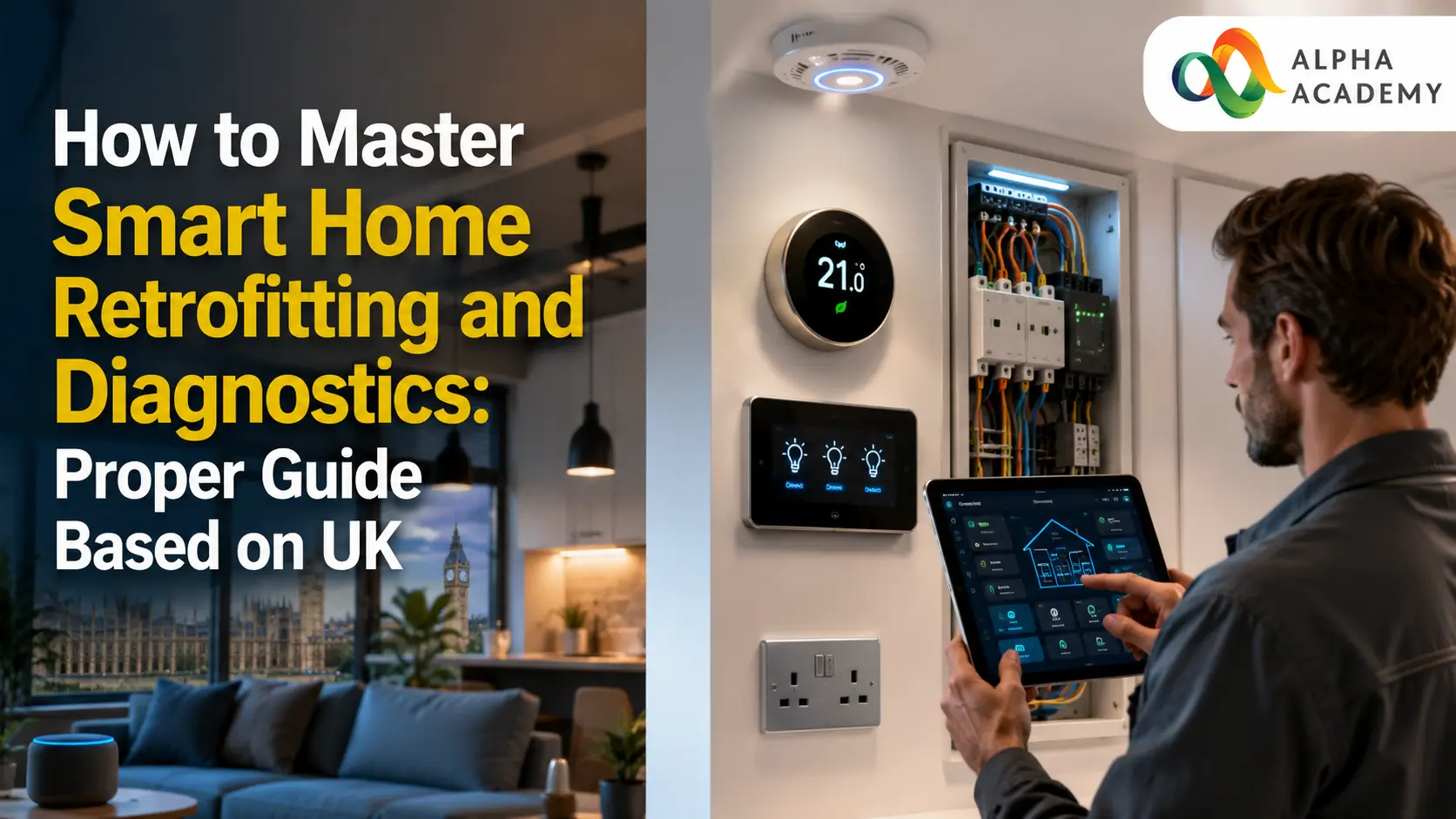
Smart home technology isn’t only for brand‑new houses. You don’t have to rip out walls or carry out major building work to add smart devices and connected systems to an older home. If you plan it the right way, you can make these upgrades easily and without too much hassle.
It’s not just about making daily life more convenient or keeping your home safer either – these changes can also help you cut down on how much energy you use. In this guide, we’ll walk you through the basics of fitting smart technology into your existing home. You’ll also learn how to spot and fix common issues, keep everything working reliably, and make sure your connected home runs smoothly in the long run.
Table of Contents
The Handyman Masterclass: Learn Repair & Maintenance Work
Understanding Smart Home Retrofitting
Unlike a house built from scratch with smart features already included, retrofitting means adding this technology to a home that’s already standing. You have to work with the electrical setup and layout that’s already there, rather than starting fresh. The best way to begin is to work out what matters most to you – whether that’s better lighting, stronger security, lower energy bills, or just being able to control everything from one simple app.
Most modern systems use wireless connections like Wi‑Fi, Bluetooth, Zigbee, or Z‑Wave, which makes fitting them much simpler because you don’t have to run lots of new cables everywhere. That said, if your home has thick walls, awkward corners, or areas where the signal doesn’t reach well, using a mix of wireless devices and just a few wired links where needed will give you a far more stable and reliable setup in the long run.
Key Components for a Successful Retrofit
A smart home that works well begins with a solid, stable network. Swapping out your old router for a newer model, or setting up a mesh Wi‑Fi system, can make a big difference and ensure every part of the house gets a strong signal. Once your network is sorted, you can start adding things like smart switches, plugs, thermostats and lighting controls ,most are designed to connect to the wiring you already have, so you won’t need to make big changes.
Wireless security gear is just as straightforward to fit too. Things like cameras, motion detectors, and sensors for doors and windows usually run on batteries, so there’s no complicated wiring involved. That makes them perfect for adding to older homes without any hassle.
Choosing the Right Communication Protocol
Not all smart devices speak the same language. Some rely on Wi‑Fi, others on Zigbee or Z‑Wave. Each has its own strengths. Wi‑Fi is widely available but uses more power and can crowd your network. Zigbee and Z‑Wave use less energy and create their own mesh networks, extending range further.
Matching the protocol to the environment saves trouble later. For large homes or outbuildings, mesh‑based protocols often perform better. For smaller spaces, standard Wi‑Fi may be enough. Checking this detail before buying prevents compatibility headaches down the line.
To help you choose the right approach for your home, here is a quick comparison of the most common retrofit methods:
| Method | Installation Effort | Cost Level | Best Used For | Limitations |
|---|---|---|---|---|
| Fully Wireless | Low | Low–Medium | Renters, older homes, quick upgrades | Signal range, possible interference |
| Low-Voltage Retrofit | Medium | Medium | Lighting, security systems, long-term reliability | Requires basic wiring knowledge |
| Powerline Communication | Medium–High | Medium | Areas with poor Wi-Fi coverage | Performance depends on electrical wiring quality |
| Partial Rewiring | High | High | Major upgrades, whole-home automation | More disruption, longer installation time |
As you can see, there is no single “best” method. It depends on your home’s structure, your budget, and how much control you want over the final result. Many homeowners find that a mix of fully wireless and low-voltage solutions strikes the right balance.
Getting the Installation Right
If you want your smart home to work properly and keep working well, getting the installation right matters a lot. Always switch off the electricity supply before you touch any electrical parts, and stick to all the usual safety rules. If you’re ever unsure about anything, don’t take chances ,call in a qualified electrician to help.
It’s also a good idea to fit and test each device one at a time. That way you can make sure it connects properly and does exactly what it’s supposed to before you move on to the next one. Taking a little time to plan where you put everything – your router, hubs, and sensors – makes a real difference too. Getting their position right gives you a stronger, more stable signal and cuts out interference, so your whole setup runs far more smoothly.
Power Source Considerations
Every piece of equipment needs a steady supply of power to work properly. Devices that run on batteries are easy to place wherever you want, but you do have to keep an eye on them and change the batteries regularly, otherwise they might stop working when you least expect it. Hardwired models are much more reliable in the long run, but they need to be fitted correctly, and sometimes you’ll have to run new cables to get them set up.
If you live somewhere that often has power cuts, it’s worth adding a small backup battery or uninterruptible power supply for your main router and central hub. That way, even if the electricity goes out, your system stays connected. It’s a simple addition, but it stops your whole smart home from shutting down every time the lights flicker or cut out.
The Fundamentals of Smart Home Diagnostics
Troubleshooting is something you’ll need to get used to if you want your smart home to keep running well. Whenever something stops working properly, start by thinking about when the problem first appeared, and whether it’s just one device playing up or the whole system acting up. Most of the time, issues come down to one of three things: a weak or lost connection, a problem with the power supply, or settings that have been changed or set up incorrectly. If you go through these checks step by step, you can usually find what’s wrong and get everything working again without too much hassle.
Step‑by‑Step Diagnostic Approach
When something goes wrong with one of your smart devices, always start with the simplest checks first. Make sure it’s actually getting power , swap out the batteries if it runs on them, or test the plug socket to be certain it’s working properly. After that, take a look at your internet connection to work out if it’s just that one item playing up, or if your whole system is having trouble.
If the signal feels weak, try moving things around a bit or boosting your Wi‑Fi range to cut down on interference from walls or other electronics. It also helps to keep all the software updated, and if problems still won’t go away, a quick reset usually sorts it out. Working through it step by step like this means you’ll fix issues much faster, and keep everything running smoothly in the long run.
Managing System Updates and Security
Updates aren’t just there to give you new features,more importantly, they fix weak spots that could put your system at risk. Older software is an easy target for anyone trying to gain access, so keeping everything up to date is one of the simplest ways to protect both your home and your personal information.
It’s best to turn on automatic updates whenever you can, but set them to run late at night or when you’re not using the system, so they don’t get in the way of your daily routine. If something starts acting strangely right after an update, don’t panic straight away. Give it a day or so, or have a look at the manufacturer’s help page – quite often, they’ll release a quick fix shortly after if any new problems pop up.
Here are three key habits that make diagnostics easier over time:
- Keep a simple record of what devices you have and where they are installed.
- Update software and settings gradually rather than all at once.
- Test devices after any change to the home network or electrical system.
Integrating Systems and Long‑Term Maintenance
Your smart home only really works well when all the bits talk to each other, instead of just doing their own separate jobs. Try to pick devices that are designed to work together, or use a central hub to link everything up. That way, things like your lights, security setup, and heating can all run in sync automatically.
Looking after it properly over time makes a big difference too. Give sensors a quick clean now and then, check that all plugs and connections are still firm, and install any updates when they come through. It also helps to remove any gear you no longer use – it just takes up space on your network otherwise. And don’t forget to work with what your home can actually do: things like thick walls or distance from the router can affect Wi‑Fi reach, so knowing those limits means you can adjust things to keep everything responding exactly when you need it to.
Final Thoughts
Adding smart features to a home you already live in is a really smart way to bring it up to date, and you don’t have to do any major building work or knock down walls to make it happen. You just need to pick the right gear for what you actually want, fit it carefully, and learn a few simple ways to sort things out if something acts up later. Do that, and your system will keep running well and stay reliable for years.
It’s best to start small – add the easier bits first, get comfortable with how they work, and build from there as you go. Before long, you’ll have a home that’s simpler to look after every day, uses less energy, and is all set if you ever want to expand or upgrade it further down the line.
Frequently Asked Questions on How to Master Smart Home Retrofitting and Diagnostics: Proper Guide Based on UK
Yes, absolutely. Most modern smart devices use wireless technologies such as Wi-Fi, Zigbee, or Z-Wave, allowing them to work with your existing electrical setup. You can replace standard switches, add smart plugs, or install battery-powered sensors without opening walls or running new cables. Only larger or more complex installations may require limited additional wiring for improved reliability.
For many basic smart home upgrades, you can install the devices yourself by following the manufacturer’s instructions. However, if the installation involves electrical wiring, replacing fixed fixtures, or working with older electrical systems, it is safest to hire a licensed electrician.
Most connection problems are caused by weak Wi-Fi signals, network congestion, or wireless interference. Thick walls, large appliances, or too many connected devices can affect performance. Improving your router’s location, using a Wi-Fi extender, or changing the wireless channel can often resolve these issues.
Often they can, but compatibility depends on the communication standards and smart home platform they support. Before purchasing, check whether the devices work with systems such as Google Home, Amazon Alexa, or Apple HomeKit to ensure seamless integration.
A routine check every three to six months is generally recommended. Test connected devices, replace batteries where needed, clean sensors, and install firmware updates to improve performance, security, and reliability.
It can. A well-designed smart home system that improves security, convenience, and energy efficiency may make a property more attractive to potential buyers. Choosing reliable products and keeping the system simple and easy to use often delivers the best results.
The cost depends on the size of your home and the number of devices you install. Many homeowners begin with affordable upgrades such as smart lighting, plugs, or thermostats and expand their system gradually as their needs and budget allow.
Many people start with smart lighting, thermostats, security cameras, video doorbells, or smart plugs. These devices are usually easy to install, provide immediate benefits, and form a solid foundation for future smart home upgrades.
Smart home systems can be secure when properly configured. Use strong, unique passwords, enable two-factor authentication where available, keep firmware updated, and secure your home Wi-Fi network to reduce security risks.
Yes. Most smart home platforms allow you to monitor and control compatible devices remotely through a mobile app, provided your devices are connected to the internet. This lets you manage lighting, security, heating, and other features from almost anywhere.
Recent Posts